Ready for any self-publishing platform, the first time
Most "self-publishing platform" searches aren't really about picking a platform. They're about whether your file will get accepted once you find one. Typesheep is the step that makes sure it does.
Upload your manuscript (free preview)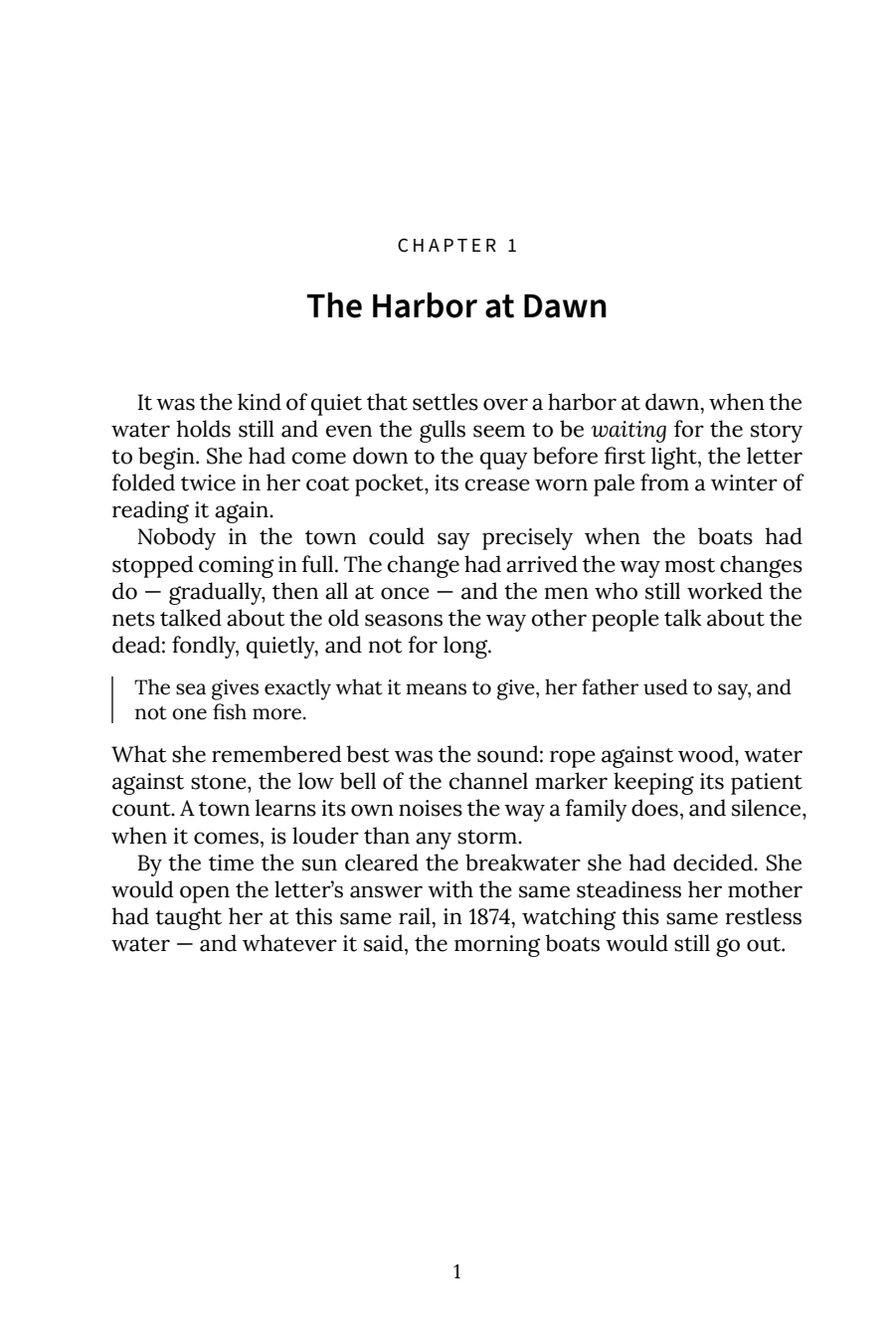
"Self-publishing platform" is really two questions
Searches for self-publishing platforms usually blend two separate questions. One is where do I list my book. The other is will my file actually be accepted once I upload it. The first question has an easy answer most people already know: Amazon KDP for print and Kindle, IngramSpark for wider print distribution, Draft2Digital for ebook-only wide release. The second question is where almost everyone gets stuck, and it has nothing to do with which platform you pick. The real question is whether the file coming out of Word or Google Docs meets that platform's print and ebook specifications.
Typesheep doesn't compete with KDP, IngramSpark, or Draft2Digital. We sit in front of them. Upload your manuscript once and you get a print-interior PDF and Kindle EPUB 3 built and checked against Amazon KDP's actual rulebook, the same file format every major self-publishing platform expects.
From draft to platform-ready, in minutes
Upload & confirm
We read your chapters, parts, and front matter straight from your document's own structure. Anything ambiguous becomes a plain-language question. We never guess silently.
We typeset & verify
Your book is set in a professional interior and reflowable EPUB, then checked against Amazon KDP's rulebook (margins, fonts, page counts, image resolution, and more) on your exact page geometry.
Preview, then publish anywhere
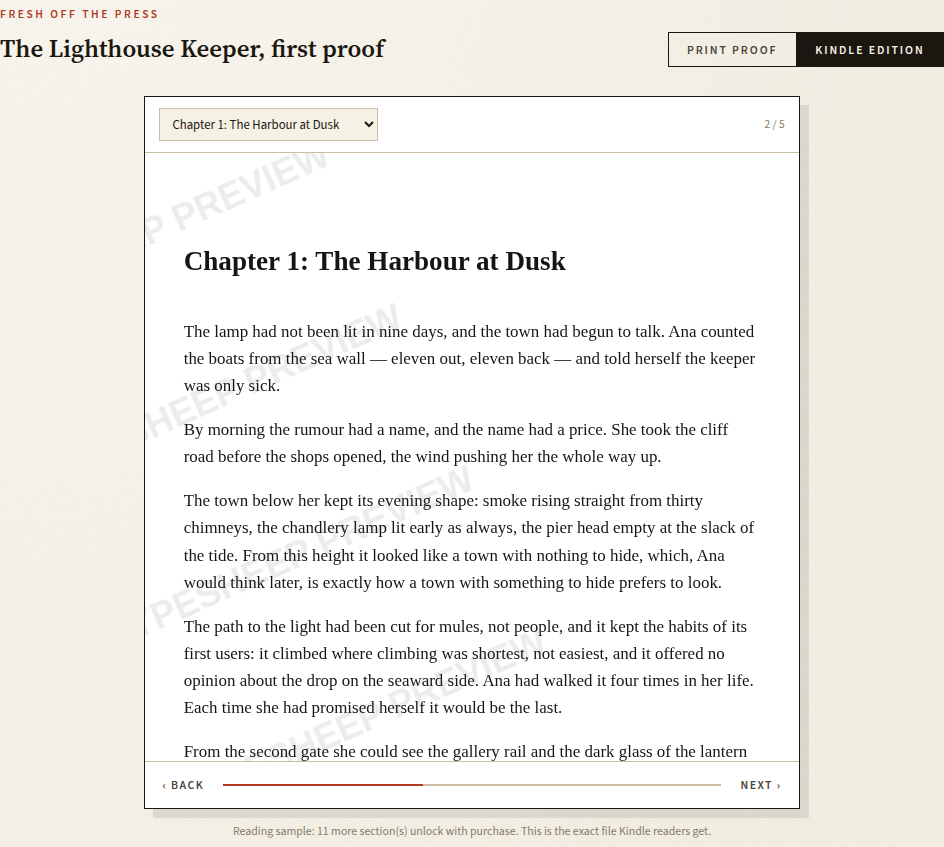
Read the full preflight report and page previews free. One payment unlocks the clean files and your certificate. Then you upload them to whichever platform you choose, under your own account.
The manuscript almost always breaks first
Self-publishing rarely stalls because someone can't decide between KDP and IngramSpark. It stalls because a manuscript written in Word or Google Docs, full of text boxes, tracked-changes ghosts, inconsistent styles, and margins set for a screen instead of a printed page, doesn't survive the trip into a print PDF and an EPUB without visible damage. Chapters go missing. Text boxes get flattened into the wrong place. Fonts that looked fine on-screen fall under KDP's minimum size once printed at trim.
Typesheep fingerprints every paragraph of your source file and matches it against the finished PDF and EPUB. Anything that would go missing blocks the build and gets shown to you verbatim, before you ever touch a self-publishing platform's upload form.
Pay per book. Preview free.
- Print-interior PDF, ready for any self-publishing platform
- EPUB 3 for Kindle and wide ebook distribution
- Preflight certificate: every KDP rule checked
- Cover template with spine math
- 30 days of unlimited rebuilds
- Refund if KDP rejects a certified file
What people ask before picking a self-publishing platform
What is the best self-publishing platform for beginners?
Amazon KDP is the usual starting point. No upfront cost, print-on-demand paperback and hardcover, and a Kindle store built in. The harder problem is getting a manuscript into files KDP actually accepts on the first try.
Do I need to format my book before uploading?
Yes. Platforms accept print PDFs and EPUB files, not Word documents, and each enforces its own margin, trim, font, and image rules. A manuscript formatted in Word or Docs almost always fails those checks the first time.
Can Typesheep publish my book for me?
No. We produce the certified print PDF and Kindle EPUB and hand them to you. You keep your own account on whichever platform you choose and upload the files yourself.
How do I upload my book to KDP?
Create a paperback or hardcover title in KDP's dashboard, upload your interior PDF and cover PDF, and let KDP run its own checks before offering a proof. A Typesheep-certified file is built against the same rulebook KDP checks against, so it passes on the first submission.
Is self-publishing free?
Listing on KDP is free. Amazon takes a royalty share instead of an upfront fee. The real cost is the manuscript-to-file step: DIY formatting eats days of trial and error, and cheap formatting gigs offer no guarantee the result will pass.